Easy QR Menu – Digital Restaurant Menu with QR Code Support
A downloadable tool
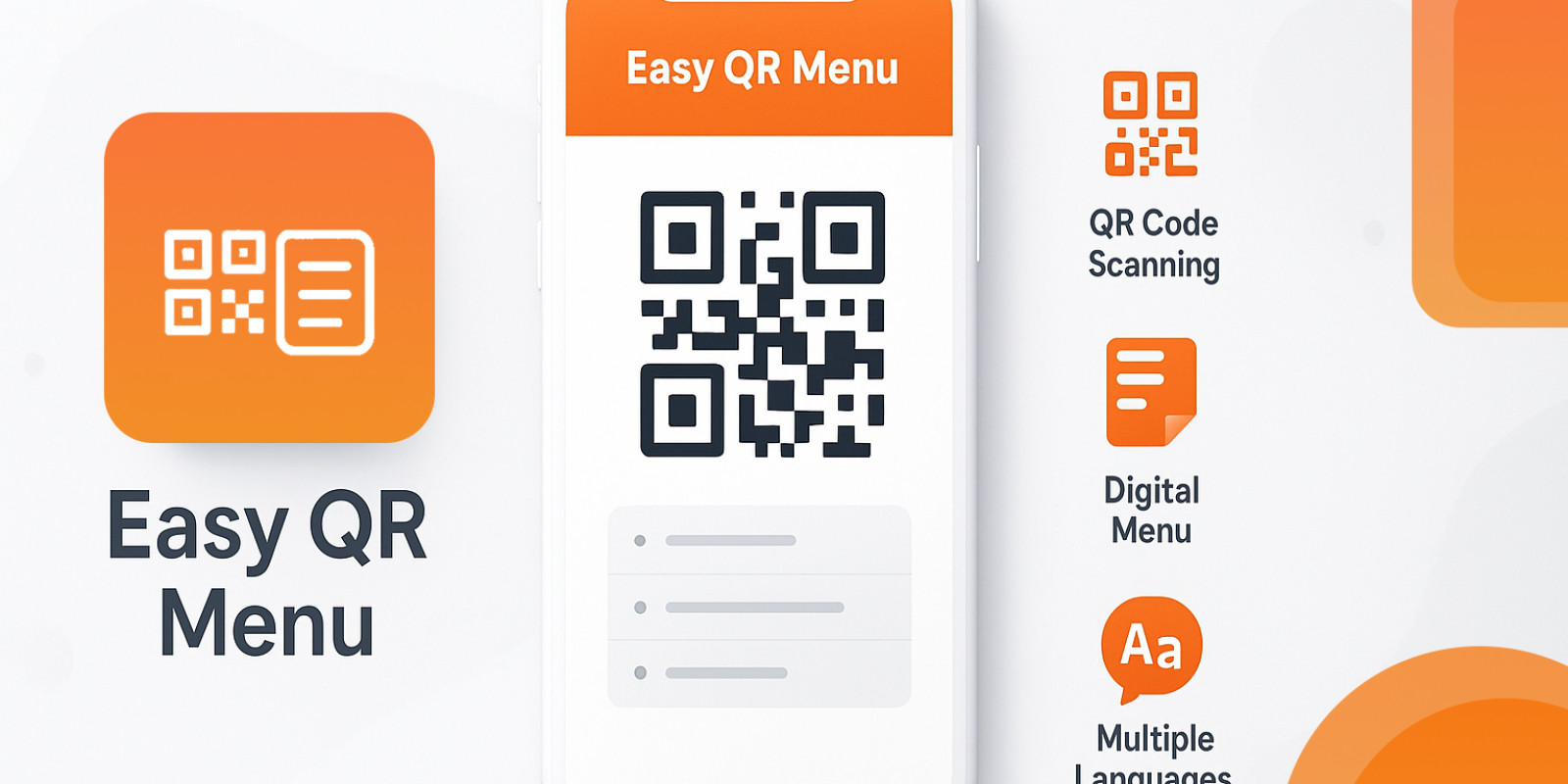
Easy QR Menu is a lightweight, responsive, and user-friendly digital menu solution for restaurants, cafes, and bars. It allows customers to browse your menu online via QR codes without printing physical menus.
Key Highlights:
- Multi-language support for menu items
- Categorized menu layout for clean navigation
- Fully responsive design for mobile, tablet, and desktop
- Active/inactive menu item management
- Admin panel for easy menu and settings management
- Quick installer for fast setup
- Lightweight and fast, built with PHP & MySQL
Easy QR Menu is perfect for restaurants, cafes, bars, and food trucks looking to modernize their menu experience.
Features
Multi-language menu support: Add translations for every menu item.Quick setup installer: Configure DB, admin account, and restaurant info in minutes.Category management: Organize items under custom categories.Responsive design: Works on mobile, tablet, and desktop.Active/inactive items: Show only available items to customers.Admin panel: Add, edit, delete items and manage settings easily.Lightweight: Minimal dependencies, optimized for speed.
Requirements
PHP 7.4 or higher
MySQL 5.7+ / MariaDB 10.2+
Apache with mod_rewrite or compatible PHP web server
uploads/ folder must be writable by the server
Modern browser for admin panel and menu display
Instructions
Hosting Installation
- Upload files to your hosting
- Upload all project files to your document root (e.g.,
public_html/qrmenu). - If you want it at your root domain, upload into
public_html/directly and adjust the Base URL in the installer.
- Upload all project files to your document root (e.g.,
- Create a MySQL database and user via your hosting control panel
- Log in to your hosting control panel (cPanel, Plesk, etc.).
- Locate the Databases section.
- Create a new database: choose a name (e.g.,
qrmenu). - Create a new database user: choose a username and strong password.
- Assign the user to the database and grant All Privileges.
- Note down the following credentials:
- Database name
- Database user
- Database password
- Database host (usually
localhost)
- Set folder permissions
- Ensure
uploads/is writable by the web server (e.g.,chmod 775 uploads).
- Ensure
- Run the installer
- Open your browser and go to
<a href="https://yourdomain.com/qrmenu/install.php">https://yourdomain.com/qrmenu/...</a>. - Enter your database credentials and other details (admin username, password, restaurant name, Base URL).
- Click Install — this will create tables, insert settings, and generate
config.php.
- Open your browser and go to
- Delete the installer
- For security, delete
install.phpafter installation.
- For security, delete
- Log into the admin panel
- URL:
<a href="https://yourdomain.com/qrmenu/admin/login.php">https://yourdomain.com/qrmenu/...</a> - Add menu items, upload images, and manage your menu.
- URL:
- View the public menu
- URL:
<a href="https://yourdomain.com/qrmenu/index.php">https://yourdomain.com/qrmenu/...</a> - The menu page shows your categories and items, with no tagline, QR code, or order buttons.
- URL:
Purchase
In order to download this tool you must purchase it at or above the minimum price of $4.99 USD. You will get access to the following files:
Leave a comment
Log in with itch.io to leave a comment.